For sales teams & managers
Sales Leaderboard & Contest Tracker
Rank reps by revenue, deals closed, or calls made and display live rankings on the office TV. Update scores from your phone and the whole team sees changes in real time. No CRM integration, no IT setup.
Powering leaderboards for thousands of people

Built for the Sales Floor
Fast setup, real-time updates, and a display that looks great on any screen, from office TVs to mobile phones.
Rank Reps by Any Metric
Sort your team by revenue closed, deals won, calls made, or any custom KPI. Switch metrics on the fly to spotlight different aspects of performance.
Office TV Display Mode
Stream the leaderboard to a wall-mounted TV in your sales pit. Auto-refreshing scores keep the energy high all day without anyone touching the remote.
Sales Contest Management
Run SPIFs, monthly blitzes, or quarterly challenges. Set a start date, end date, and goal—the leaderboard handles the rest.
No CRM Integration Needed
Skip the complex Salesforce or HubSpot setup. Update scores manually or via a simple link—your leaderboard is live in under two minutes.
Motivate with Visibility
Public rankings create healthy pressure. When every rep can see where they stand, middle-of-the-pack performers push harder to climb.
Brand with Your Logo
Upload your company logo and pick your brand colors so the leaderboard looks like an official part of your sales floor, not a third-party tool.
Live Rankings on the Office TV
Open the leaderboard link on any smart TV, Chromecast, or wall-mounted monitor. As deals close and scores update, the rankings shuffle in real time. No one has to touch the display. It just works.
Create a sales leaderboard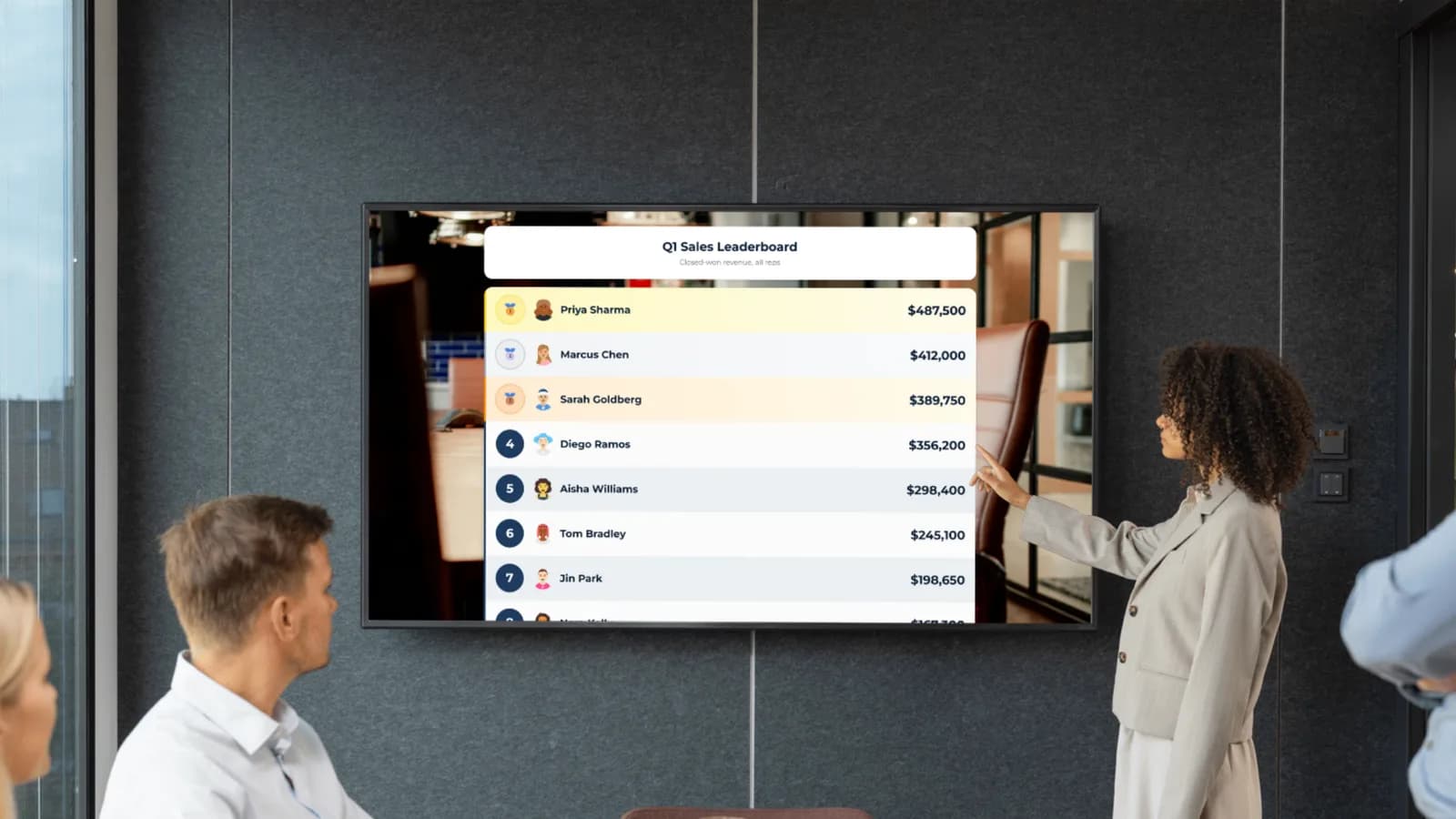
Update Sales Scores from Anywhere
Log a new deal from your phone, laptop, or tablet. Whether you're at your desk, in a meeting, or on the road, you can update the leaderboard in two taps. Multiple managers can update the same board simultaneously.
Try it from your phone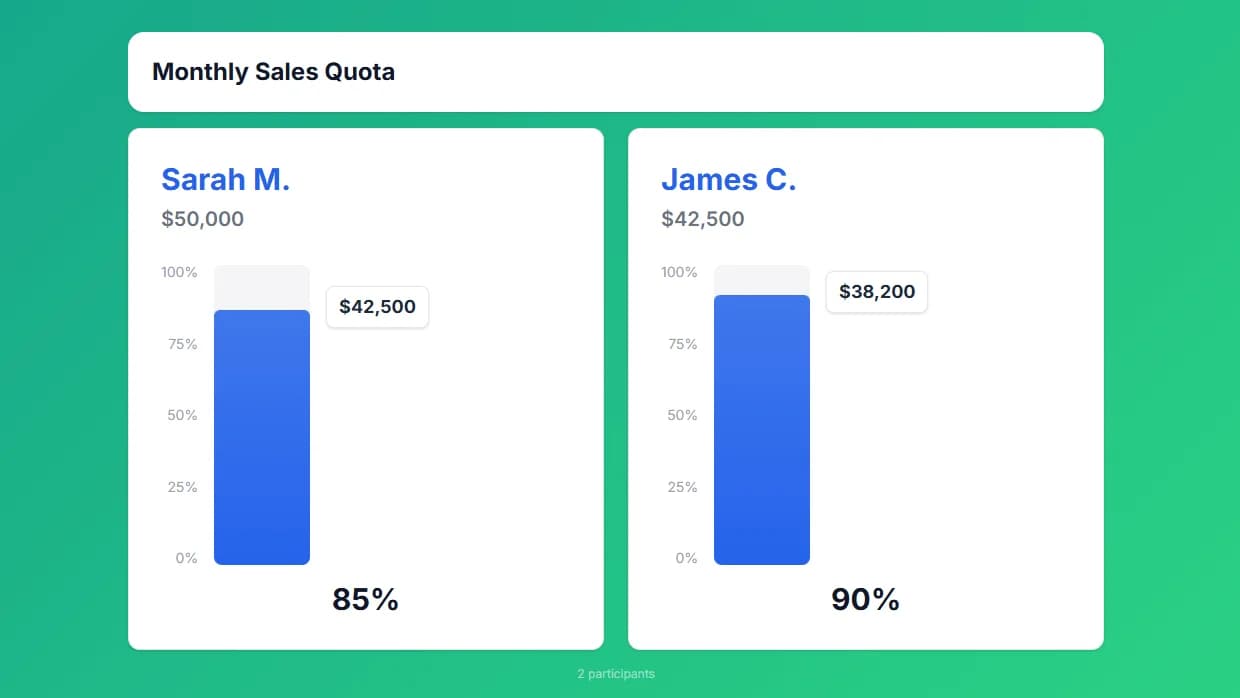
Brand It to Your Company
Add your company logo, pick your brand colors, and make the leaderboard feel like part of your sales floor. Premium plans include full customization so the board matches your office aesthetic.
See customization options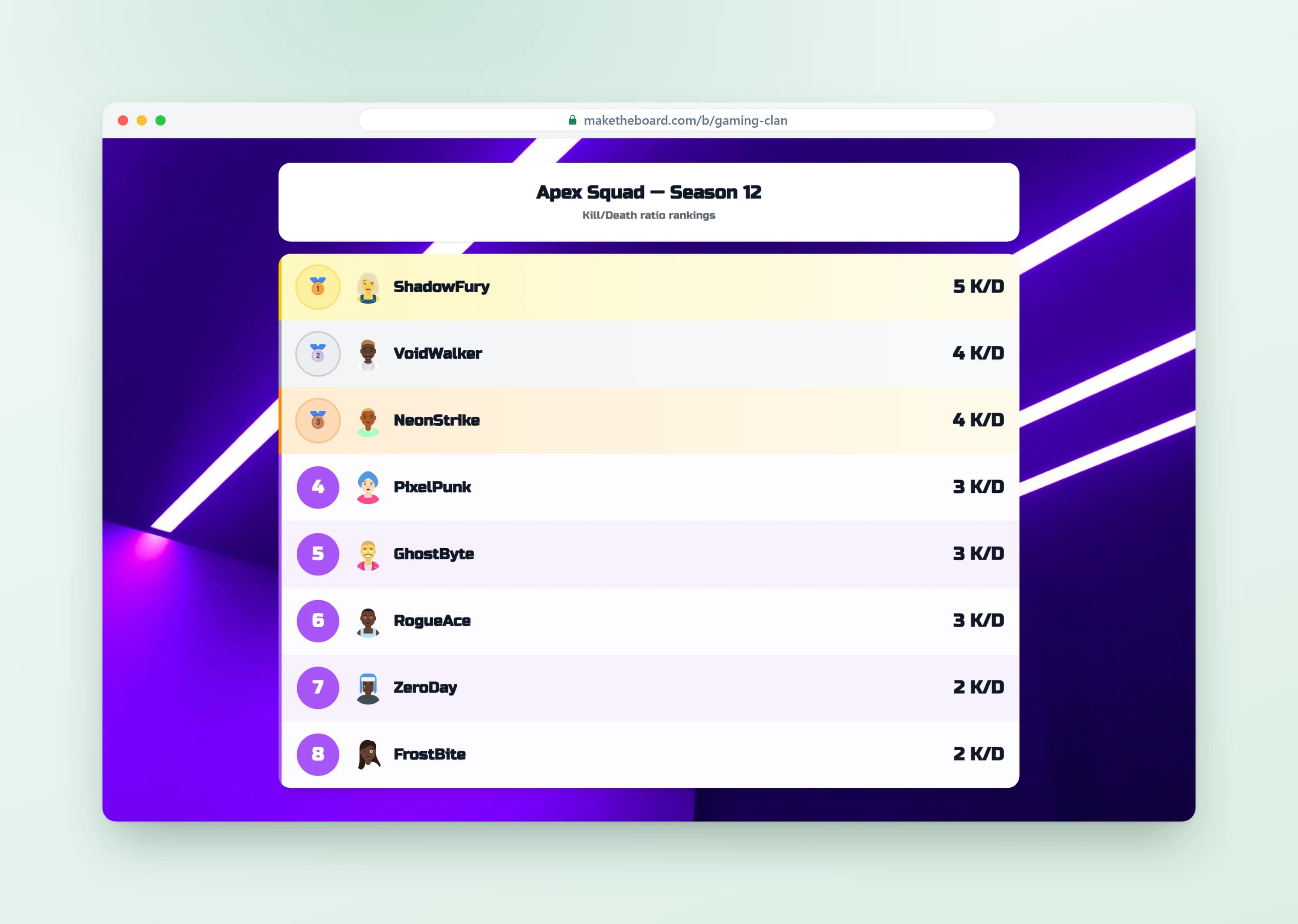
Rank Reps by Any Metric You Choose
Revenue closed, deals won, calls made, or demos booked, you set the metric and MakeTheBoard handles the ranking. Flexible scoring means your sales leaderboard tracks exactly the activity you want to reward, with no CRM integration required.
Create a sales leaderboard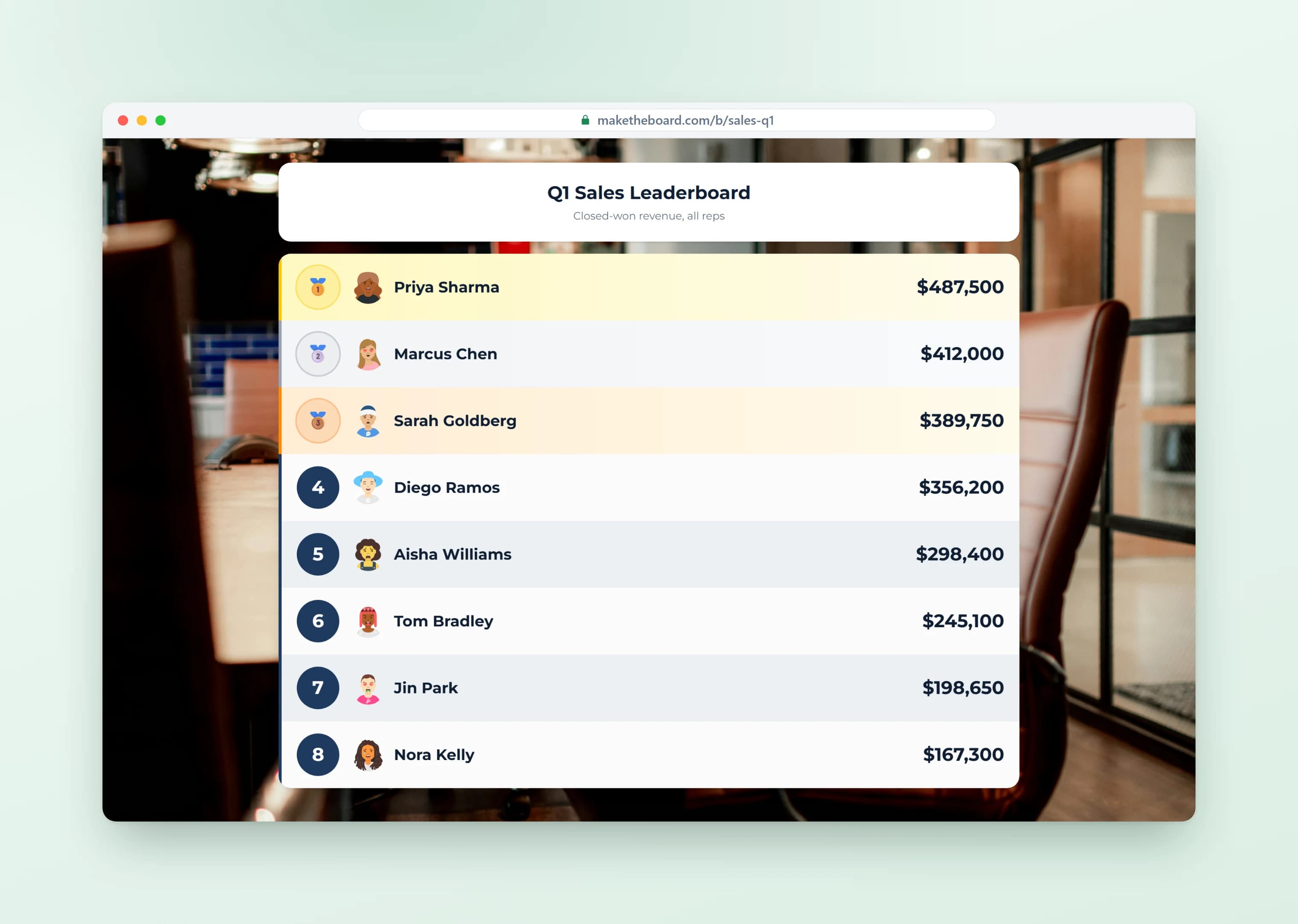
Run Contests and Team Quota Races
Launch sales contests, SPIFFs, and team quota races that drive real motivation on the floor. Set a target, watch reps push toward it in real time, and turn the quarter into a competition everyone wants to win.
See sales contest ideas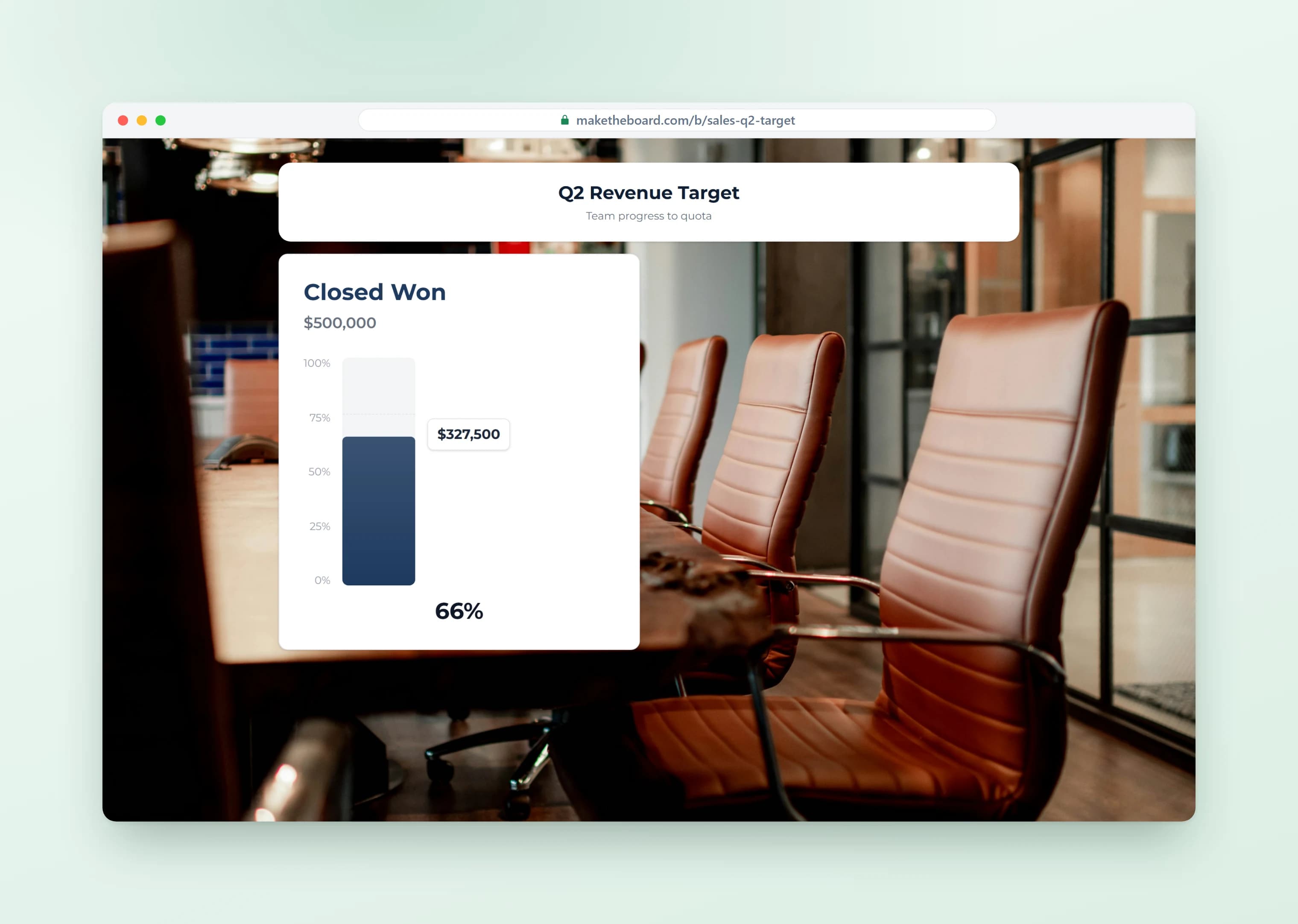
Sales Leaderboard Templates & Contest Ideas
Pick a template, customize the metric, and launch your contest in seconds. For more inspiration, read our 15 sales contest ideas that actually work.
Monthly Revenue Race
Rank reps by total revenue closed this month. Reset at the start of each period to keep competition fresh and give every rep a shot at the top.
Deals Closed Sprint
Track number of deals closed in a one- or two-week sprint. Great for pushing pipeline velocity at end of quarter or running a quick SPIF.
Outbound Activity Blitz
Rank by outbound calls, emails sent, or demos booked. Drive leading-indicator activity, not just lagging results. Perfect for SDR and BDR teams.
Team vs. Team Challenge
Pit sales pods, regions, or offices against each other. Team totals add a layer of collaboration. Reps push each other because individual effort lifts the whole team.
New Logos / New Business
Focus on net-new logos rather than upsells. Motivates reps to prospect and hunt instead of relying on expansion from existing accounts.
Quarterly Quota Attainment
Track each rep's progress toward their individual quota. Use the goal tracker or leaderboard format to visualize who is on pace and who needs a push.
Frequently Asked Questions
Sales leaderboard software is a tool that ranks sales reps, teams, or territories by a chosen metric — most commonly revenue closed, deals won, or activity like calls and demos. The leaderboard updates in real time and is designed to be visible to the whole team, usually on a TV on the sales floor or as a link reps can pull up on any device. The point is ambient visibility: when reps can see their ranking at a glance, they self-correct and push harder without a manager having to chase them.
A sales leaderboard is a ranked list of reps (or teams) ordered by performance — most commonly revenue, deals closed, or call activity. The reason teams use them is simple: visibility drives behavior. When reps can see exactly where they stand against peers in real time, output goes up. Top performers are recognized, middle reps push harder to climb, and bottom reps see exactly what they need to do to catch up. Done right, a sales leaderboard turns abstract numbers into a daily competitive scoreboard.
Yes. The free plan lets you create up to 2 leaderboards with 15 reps each, no credit card required. That covers most sales teams. Upgrade to Pro ($24/mo) for up to 25 boards and 50 participants, or Premium ($52/mo) for up to 100 boards, 500 participants, and multi-manager collaboration.
No. MakeTheBoard is a standalone tool, no CRM integration or IT setup required. Most sales managers update scores manually during their daily stand-up or after pulling a report. You can also connect via our API if you want to automate updates from your CRM or data warehouse.
Absolutely. Open the leaderboard's shareable link in any browser on a smart TV, Chromecast, Apple TV, Fire Stick, or wall-mounted monitor. The responsive layout fills the screen and updates in real time as scores change.
Yes. With the Premium plan, you can invite other managers and team leads as collaborators. Everyone can update scores from their own device and all changes sync instantly across every screen.
Anything with a number: revenue closed, deals won, calls made, demos booked, pipeline generated, meetings set, new logos, upsell revenue, or any custom KPI. You set the unit label (e.g., '$' prefix or 'deals' suffix) and MakeTheBoard handles the ranking.
CRM leaderboards are buried behind logins and dashboards. Most reps never check them. MakeTheBoard is designed for visibility: put it on a TV on the sales floor, share a link in Slack, or embed it in your intranet. Live, auto-updating, no login required to view.
To run a sales competition, pick one clear metric (revenue closed, deals won, or calls made), set a time window, and put a live sales board where every rep can see it. Create a leaderboard, add your reps, and display the link on the office TV or share it in Slack. Update scores as deals close and the ranking re-sorts in real time — that visibility is what makes a sales competition actually drive behavior. Keep the cycle short (weekly or monthly) so every rep feels they still have a shot at the top.
Yes. Create a separate leaderboard for each contest (monthly revenue race, weekly call blitz, quarterly SPIF, etc.). The free plan supports 2 boards; Pro supports up to 25.
Yes. Alongside the ranking, you can run a sales goal tracker that shows each rep's progress toward their number — quota attainment, a revenue target, or a personal stretch goal. Use a leaderboard to rank the team and a goal tracker (progress bar) to visualize % to quota. Many teams display both side by side so reps see where they rank and how close they are to hitting their sales goal.
Popular sales competition ideas include a monthly revenue race, a deals-closed sprint, an outbound activity blitz (calls, emails, demos), a team-vs-team challenge, a new-logo hunt, and a quarterly quota race. Pick one clear metric, keep the cycle short so every rep feels they can still win, and put the sales leaderboards where the whole floor can see them. The templates above are ready-made starting points for each of these contests.
Yes. Share the public link and anyone can check their ranking from any device (phone, tablet, or laptop). No account or app install needed to view. The mobile layout is fully responsive.
Free leaderboards use the default theme. Pro and Premium plans let you upload your company logo, set brand colors, and add a background image so the leaderboard feels like part of your sales floor.
Ready to Fire Up Your Sales Team?
Create a free sales leaderboard in under a minute. No credit card, no CRM integration.
Explore More from MakeTheBoard
Free Leaderboard Maker
The full leaderboard builder. Works for sales, classrooms, competitions, and any use case.
Goal Tracker
Visual progress bars for sales quotas, revenue targets, and team-wide goals.
Scoreboard Maker
Head-to-head scoreboards for team competitions, SPIFs, and office game nights.
Classroom Leaderboard
Same tool, different use case. Teachers use it for student points and reading challenges.
Sales Gamification Software
Turn sales metrics into visible competitions with leaderboards, contests, and goal trackers.