For nonprofits, schools & events
Fundraising Leaderboard & Donation Goal Tracker
Rank donors and fundraising teams by amount raised, or track progress toward your campaign goal with a live thermometer. Display at events, embed on your website, and drive more giving, all in real time.
Powering leaderboards for thousands of people
Built for Fundraising Events and Campaigns
Simple enough to set up during event prep. Engaging enough to drive donations all night.
Ranked Donor Display
Show your top donors in ranked order to celebrate generosity and inspire others. Choose whether to display donation amounts or keep them private.
Team Fundraising Competitions
Pit fundraising teams against each other on one leaderboard. Whether it's school classes, office departments, or volunteer groups, teams can track their collective totals.
Event Display Ready
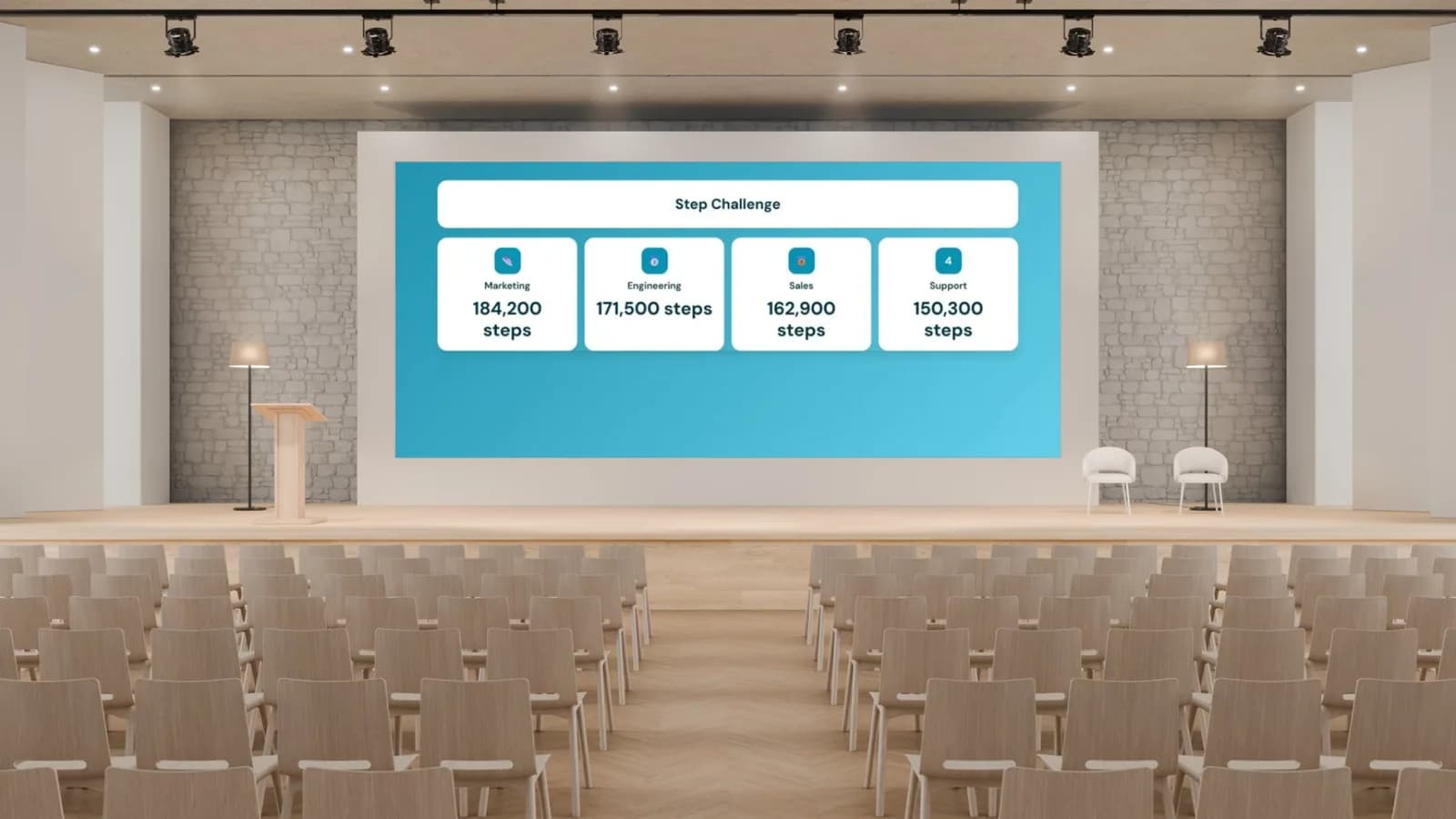
Project the leaderboard at galas, walkathons, or charity auctions. Large, readable text and live updates keep the audience engaged and giving.
Peer-to-Peer Campaign Support
Let individual fundraisers share their own links. Their contributions roll up to the main leaderboard so everyone sees the collective impact.
Real-Time Donation Updates
As donations come in, the leaderboard re-ranks instantly. The live movement creates excitement and a sense of urgency that static lists cannot.
Embed on Your Campaign Page
Add the leaderboard to your GoFundMe alternative, nonprofit website, or email newsletter with a single embed code. No developer needed.
Live Donor Rankings at Your Event
Display the fundraising leaderboard on a big screen at your gala, auction, or telethon. As donations come in, rankings update automatically and the crowd sees the competition unfold in real time.
Create a fundraising leaderboard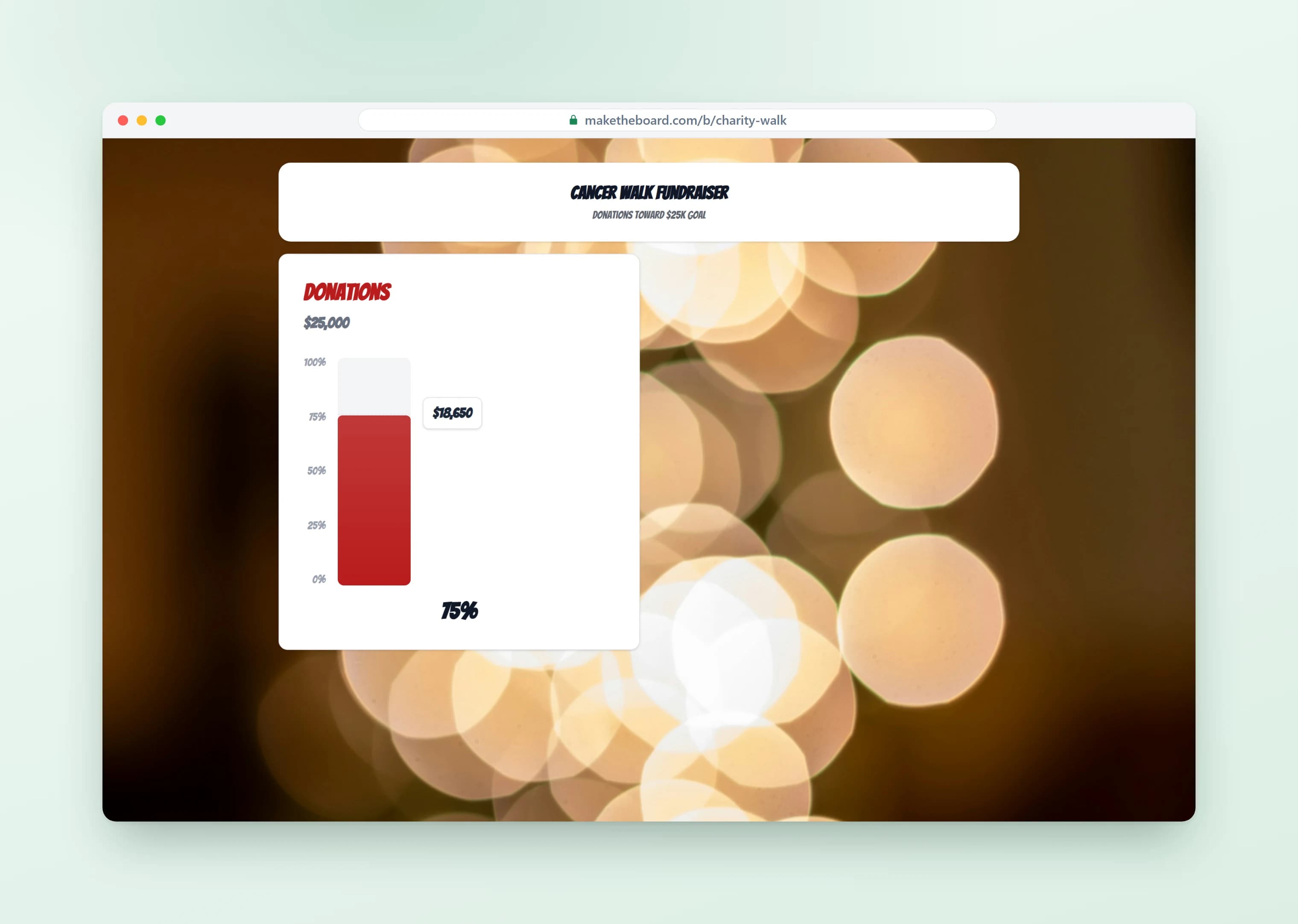
Track Campaign Progress with a Thermometer
Set a donation goal and watch the thermometer fill up as contributions arrive. Embed it on your campaign page and share the link in emails. Supporters see exactly how close you are to the finish line.
Create a fundraising thermometer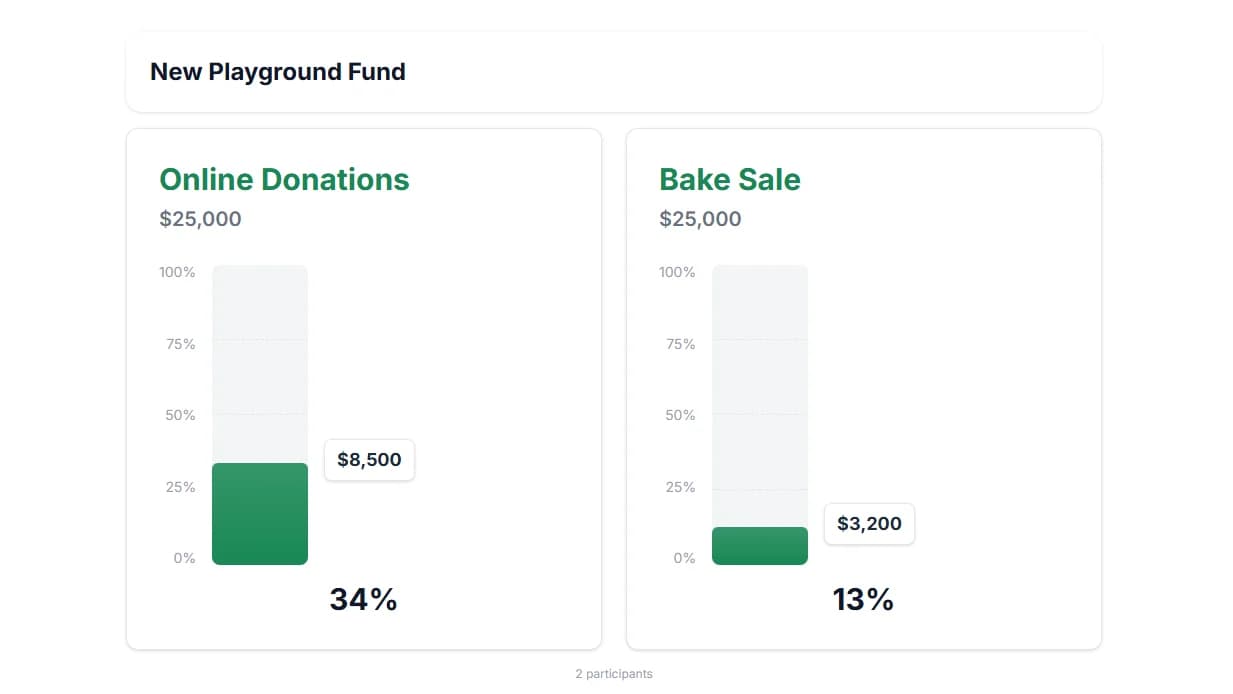
Embed on Your Campaign Page
Paste the embed code on your website, GoFundMe page, or campaign landing page. Supporters check progress from home and see where they stand, driving more last-minute donations to push you over the goal.
Learn about sharing & embedding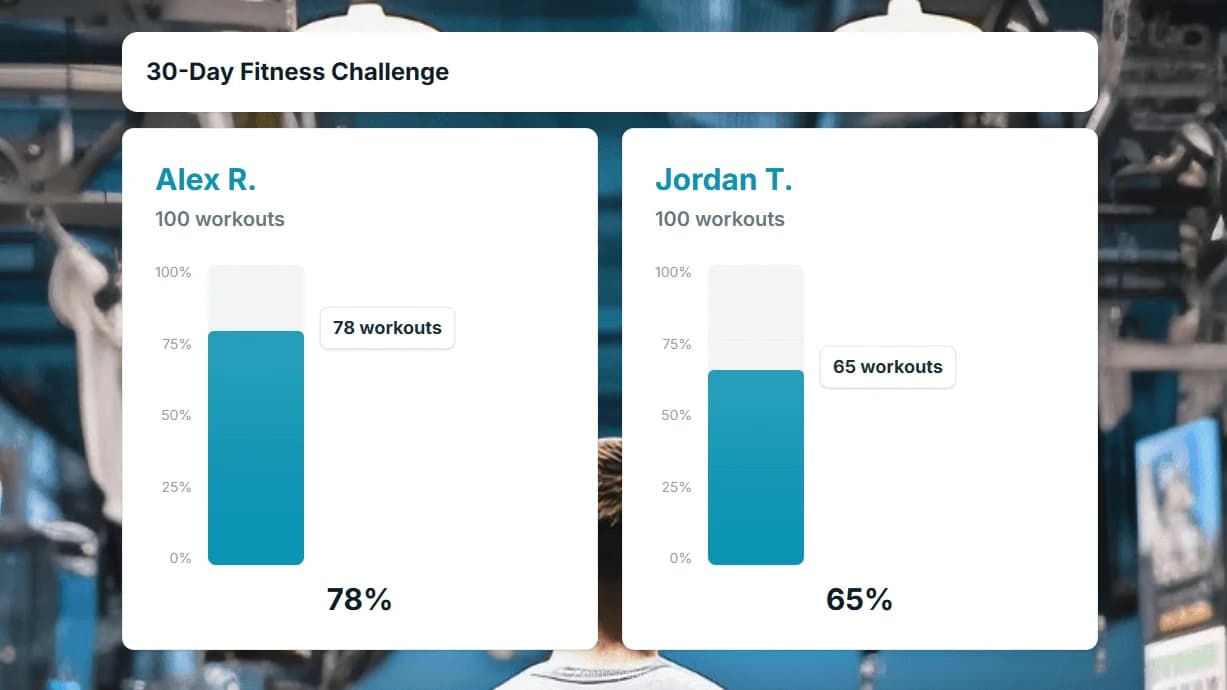
Run Read-a-Thons and Walk-a-Thons
Rank classes, teams, or individual fundraisers by pledges collected in your read-a-thon or walk-a-thon. Log pledge totals as they come in and watch participants race up the leaderboard to hit their fundraising goals.
Create a fundraising leaderboard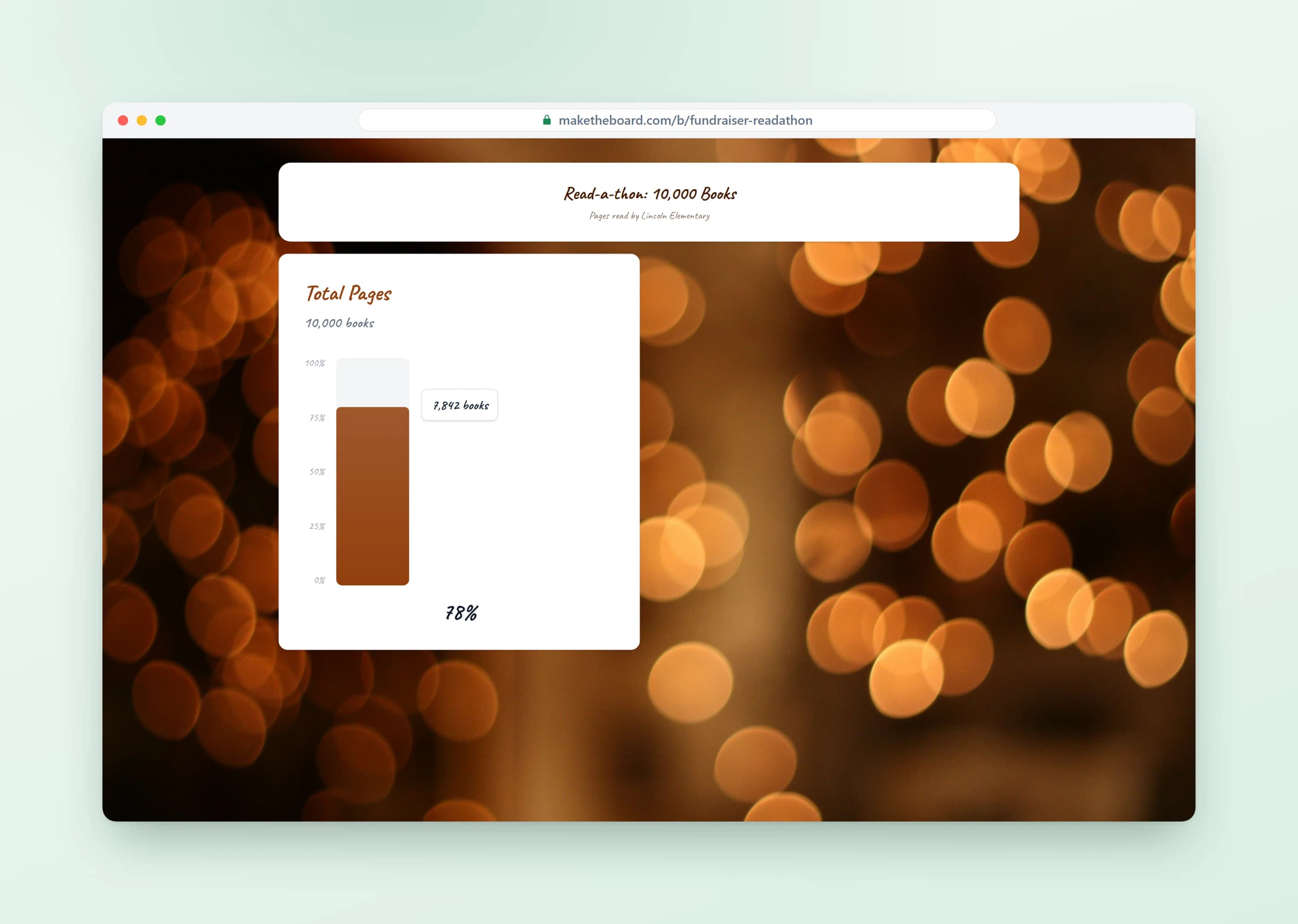
Fuel Peer-to-Peer Fundraising Challenges
Turn your charity event into a friendly competition between teams to raise the most. A live peer-to-peer leaderboard motivates supporters to keep sharing and giving until the final dollar is in.
Create a fundraising leaderboard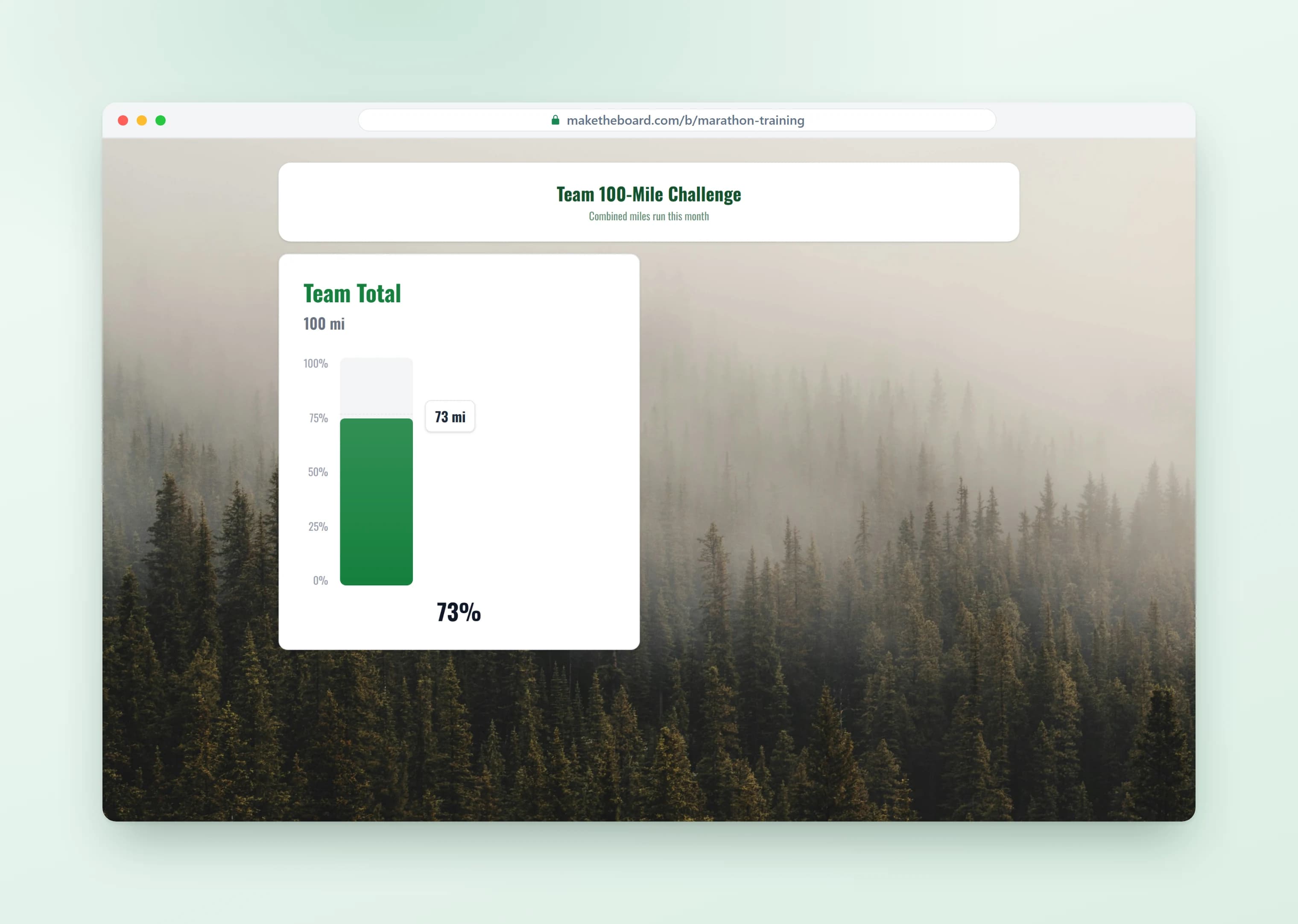
Fundraising Leaderboard Templates & Ideas
From black-tie galas to school walk-a-thons, here's how organizations use MakeTheBoard to raise more. For a deeper dive, read our complete fundraising thermometer guide.
Gala Donor Wall
Display a live donor leaderboard at your gala or auction on the big screen. As pledges come in, donors see their name climb the ranks and the room's energy builds.
School Walk-a-Thon Race
Pit classrooms against each other in a school-wide fundraiser. Each class sees where they rank and rallies parents to push their total higher.
Peer-to-Peer Campaign
Track individual fundraisers in a peer-to-peer campaign (5K, charity ride, giving day). Each person sees where they stand and pushes to raise more.
Church Building Fund
Track family contributions toward a capital campaign goal. Combine a thermometer for the total with a leaderboard to recognize the most generous families.
Corporate Giving Challenge
Rank departments or office locations by total employee giving. Tap into corporate matching programs and display progress on lobby screens.
Telethon / Livestream
Display live donor rankings during a virtual or broadcast fundraiser. Update from your phone as calls come in and viewers see the board change in real time.
Frequently Asked Questions
Yes. The free plan lets you create up to 2 boards with 10 entries each, no credit card required. That covers most campaigns and small events. Upgrade to Pro ($24/mo) for up to 25 boards with 30 entries, or Premium ($52/mo) for up to 100 boards, 500 entries, and multi-admin collaboration.
A fundraising leaderboard, sometimes called a fundraising scoreboard, ranks donors or teams by amount raised and drives competition. A fundraising thermometer shows overall progress toward a single goal and drives urgency. Many organizations use both together: a thermometer for the campaign total and a leaderboard to recognize top contributors.
Absolutely. Open the shareable link in any browser on a projector, TV, or big screen. Update donations from your phone and the display refreshes instantly. The responsive layout fills any screen size.
Yes. Every board gets a unique embed code you can paste into your website, GoFundMe page, WordPress site, or any page that supports HTML embeds. The embedded board updates in real time.
MakeTheBoard is a display and tracking tool. You process payments through your existing platform (PayPal, GoFundMe, Stripe, etc.) and log donations in MakeTheBoard to update the leaderboard. This keeps your payment workflow unchanged.
Yes. With the Premium plan, invite other staff or volunteers as collaborators. Each person logs donations from their own device (phone, tablet, or laptop) and the leaderboard updates instantly for all viewers.
Yes. The public link is view-only, so anyone can check the rankings without creating an account. Share it in emails, social media, or display it on a screen. Only admins can edit scores.
Yes. MakeTheBoard's goal tracker format works exactly like a fundraising thermometer. Set a dollar target, update the total as donations come in, and the progress bar fills up in real time. See our dedicated fundraising thermometer page for more details.
MakeTheBoard only stores the display names and amounts you enter. No donor emails, payment details, or personal information is collected. You control what appears on the board and can delete it at any time.
Ready to Boost Your Fundraiser?
Create a free fundraising leaderboard or donation thermometer in seconds. No credit card required.
Explore More from MakeTheBoard
Fundraising Thermometer Maker
Show overall campaign progress with a classic thermometer display. Perfect companion to a donor leaderboard.
Free Leaderboard Maker
The full leaderboard builder. Works for fundraising, sales, classrooms, and any competition.
Donation Goal Tracker
Visual progress bars for fundraising milestones, giving targets, and campaign goals.
Classroom Leaderboard
Teachers use MakeTheBoard for classroom fundraisers, reading challenges, and student points.
What Is a Leaderboard?
The concept explained — types, psychology, and best practices for effective leaderboards.
Why MakeTheBoard
Why teams choose MakeTheBoard over spreadsheets, CRM dashboards, and enterprise platforms.