Free Online Leaderboard Maker
Create a live leaderboard in seconds with auto-sorted rankings, real-time updates, and a shareable link anyone can view.
No credit card required. Free forever on the starter plan.
What Is an Online Leaderboard?
An online leaderboard is a live, auto-sorted ranking that shows who is winning. Unlike a static spreadsheet, an online leaderboard updates in real time, so every viewer sees the latest scores the moment they change. Teams use leaderboards to drive friendly competition, recognize top performers, and keep participants engaged.
With MakeTheBoard's free leaderboard maker you can create a custom leaderboard in seconds, share it with a link, and display it on any screen. No software to install and no coding required.
How to Create a Leaderboard
Three steps. Under a minute. No account required to try it out.
Step 1
Name Your Leaderboard
Give your leaderboard a title like "Weekly Sales Contest," "Class Reading Challenge," or anything you like. Choose a color theme and you're set.
Step 2
Add Participants & Scores
Type in names and starting scores, or share a signup link so participants add themselves. Rankings auto-sort as scores change.
Step 3
Share Your Leaderboard
Copy a shareable link, display it on a TV or projector, or embed it on your website with one line of code. Everyone sees updates live.
Leaderboard Templates for Every Use Case
Pick a starting point and customize it in seconds.
Classroom Points Leaderboard
Track student points for reading, behavior, or quiz scores. Display on the classroom projector to keep kids motivated.
Get startedSales Contest Leaderboard
Rank reps by deals closed, revenue, or calls made. Put it on the office TV and watch motivation soar.
Get startedFundraising Leaderboard
Rank donors or fundraising teams to drive friendly competition at charity events and campaigns.
Get startedCompetition & Tournament
Season standings, weekly challenges, fitness contests, or esports rankings. Works for any competition with a score.
Get startedRanked Lists That Update Live
Participants are auto-sorted by score with animated bar charts. Update a number and every viewer sees the change instantly, with no page refresh needed.
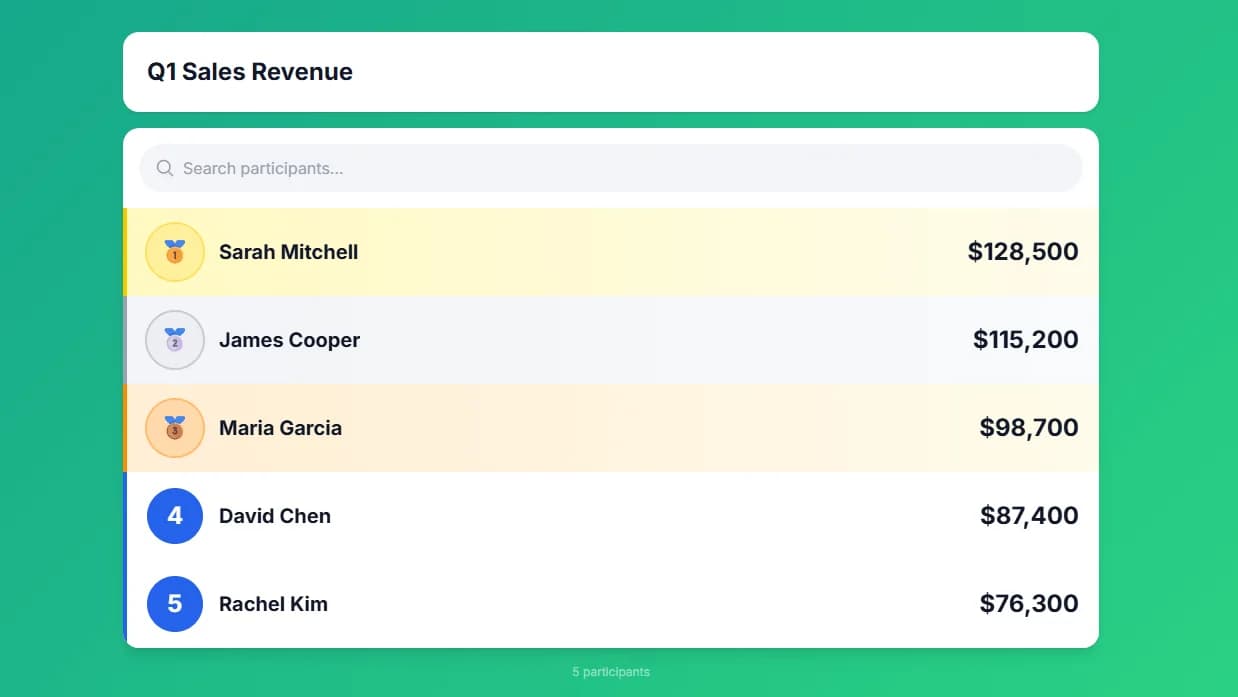
Display on TVs and Projectors
Open your leaderboard link on any smart TV, Chromecast, or projector. The responsive layout adapts to any screen size for a polished, full-screen display.
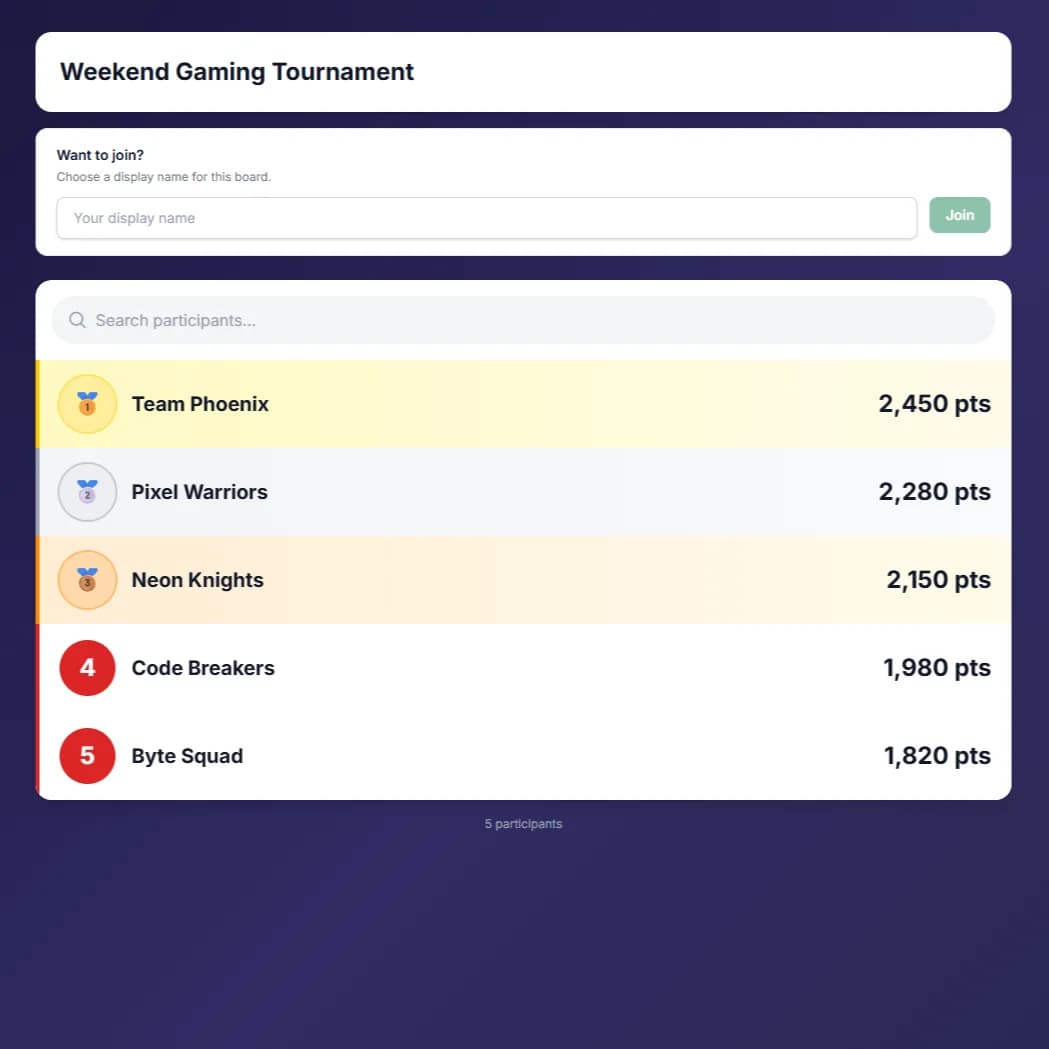
Share a Link or Embed Anywhere
Every leaderboard gets a public link and an embed code. Paste it into your website, blog, WordPress, Notion, or LMS. It updates in real time right on the page.
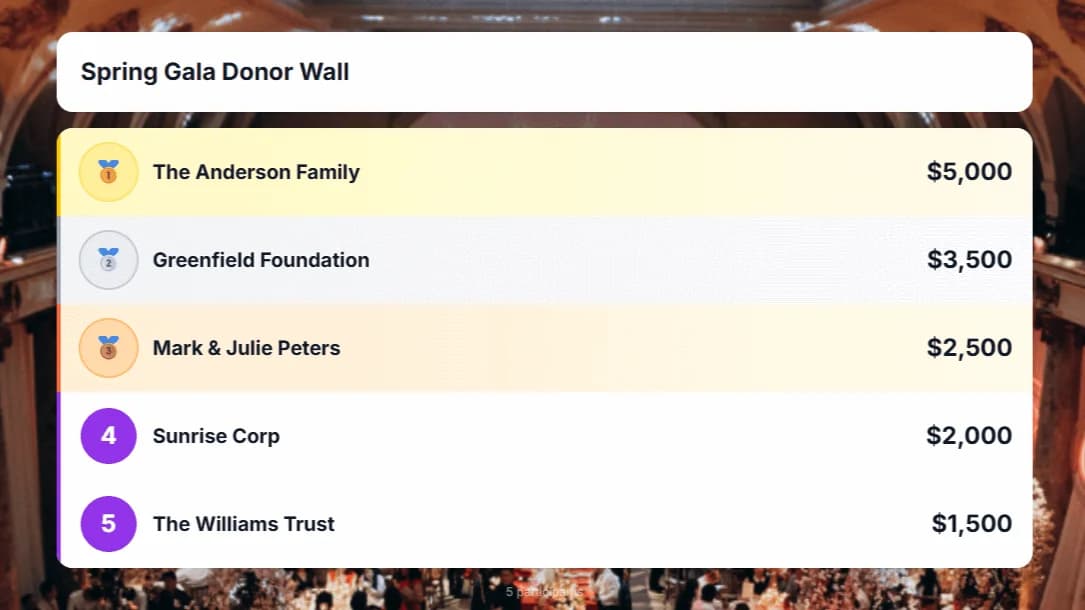
Customization and Advanced Features
Make your leaderboard match your brand. Unlock more with Premium and Team plans.
Real-Time Updates
Scores update instantly across all viewers the moment you make a change. No page refreshes needed. Everyone sees the latest rankings simultaneously.
Built for Every Team
Used by teachers, coaches, sales teams, nonprofits, and event organizers to track progress and motivate their teams.
Embed on Any Website
Drop a single iframe code into your website, blog, WordPress, Notion, or LMS. Your board updates in real time right on your page.
Budget Friendly
Free forever for up to 2 boards. No credit card required to start. Affordable Premium and Team plans when you need more.
Fully Customizable
Custom colors, logos, backgrounds, and themes. Match your board to your brand or event for a polished, professional look.
Participant Signup
Share a signup link so participants can add themselves to your board. No back-and-forth. They join and you stay in control.
What Our Users Say
“We track our monthly sales contest on MakeTheBoard and display it on the office TV. It's the first thing everyone checks in the morning.”
David Park
VP of Sales
“Setting up a classroom leaderboard took me literally 30 seconds. My students are so much more engaged with their reading goals now.”
Lisa Nguyen
4th Grade Teacher
“We use it to run our weekly fitness challenge at the gym. Members love competing and the real-time updates keep the energy high.”
Marcus Johnson
Gym Owner
Frequently Asked Questions
Yes! The free plan lets you create up to 2 leaderboards with 25 participants each, no credit card required. Upgrade to Premium ($9.99/mo) or Team ($24.99/mo) for higher limits, custom branding, CSV exports, and more.
You can try the leaderboard builder without signing up. To save your leaderboard and get a permanent shareable link, create a free account in seconds with just an email address.
Every leaderboard gets a unique public link. Send it to anyone, open it on a TV, or paste the embed code into your website. All viewers see real-time updates automatically.
Yes. Share the signup link and participants can add their own name to the leaderboard. You stay in control of scores and settings.
Free leaderboards use the default theme. Premium and Team plans let you set custom colors, upload your logo, and add a background image to match your brand.
MakeTheBoard works on any device with a web browser: phones, tablets, laptops, and smart TVs. Create and manage your leaderboard from your phone, then display it on a TV or projector.
Ready to Create Your Leaderboard?
Free forever for up to 2 leaderboards. No credit card required.